Local Foundation Model

SEEV ships with a bundled local 1.2B model for first-launch use, plus an optional 3B reasoning model that can be installed locally when you want deeper reasoning or stronger attachment handling. Smart Hybrid routes between them based on the task.

  • Bundled LFM 2.5 1.2B • Flash — fast local responses available immediately
  • LFM2-VL-3B • Deep Reasoning — optional local download for deeper reasoning and stronger attachment vision
  • Smart Hybrid • Routed — uses LFM 1.2B by default and prompts to install the 3B model when a task benefits from it
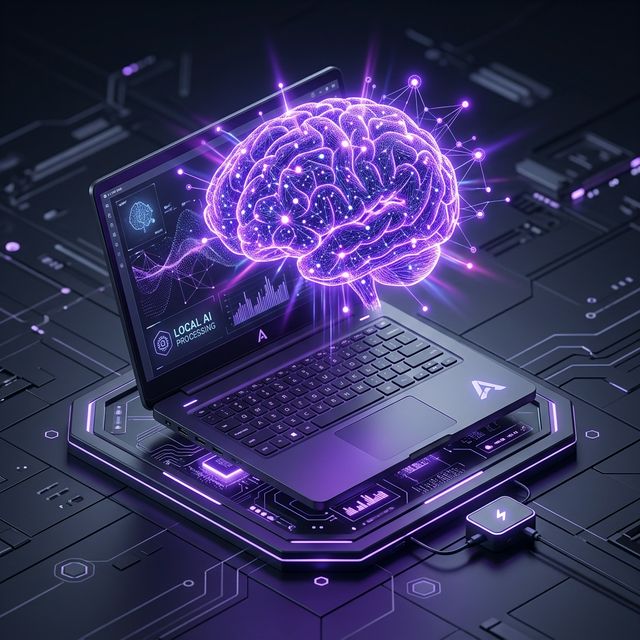
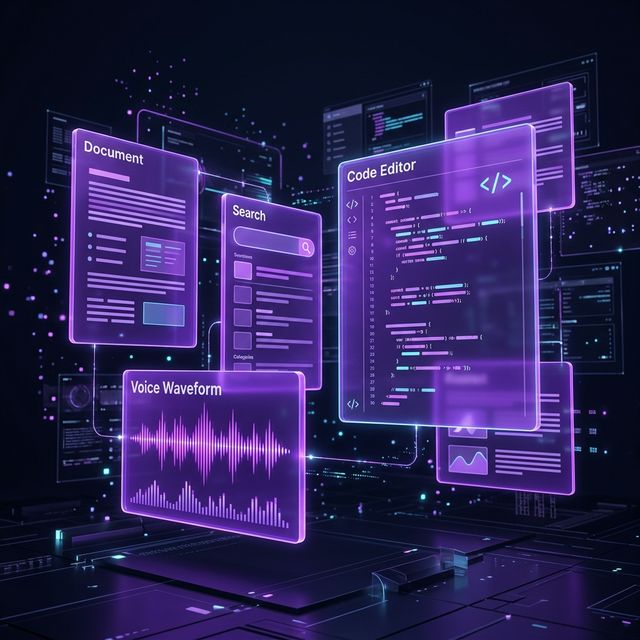
SEEV local AI processing

Advanced Composition Bar

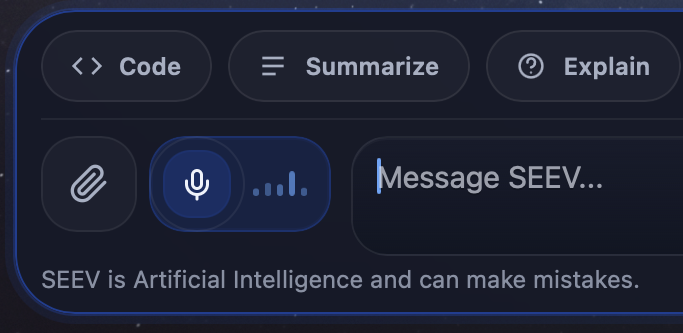
The composer is more than a text input — it is a full creation toolkit. Switch between specialized modes, attach files, and use voice input, all from an interface designed for efficient workflow.

  • Code Mode — optimized prompting for structured code output
  • Summarize Mode — condense lengthy text into key points
  • Explain Mode — step-by-step clarification of complex topics
  • Web Search — query the internet and synthesize results
  • Slash Commands — rapid mode switching via /code, /summarize, /explain
SEEV Composer bar with tool modes

Local Speech Recognition

SEEV integrates WhisperKit speech recognition that runs entirely on your device. Tap the microphone, speak naturally, and your words are transcribed in real time — without any audio data leaving your machine.

  • Real-time waveform visualization during active recording
  • On-device WhisperKit transcription — audio remains local
  • One-tap activation directly from the composer bar
Voice input with waveform

File Analysis and Context

Drag-and-drop or browse to attach images, documents, and code files directly into your prompt. SEEV extracts local text from supported files, and can optionally install the 3B reasoning model for stronger image and attachment understanding.

  • Support for images, PDFs, text, code files, and structured data
  • Inline thumbnails and file type indicators
  • Drag-and-drop directly into the composition area
  • File content is extracted locally, with OCR fallback when the reasoning model is not installed
SEEV file handling

Rich Content Output

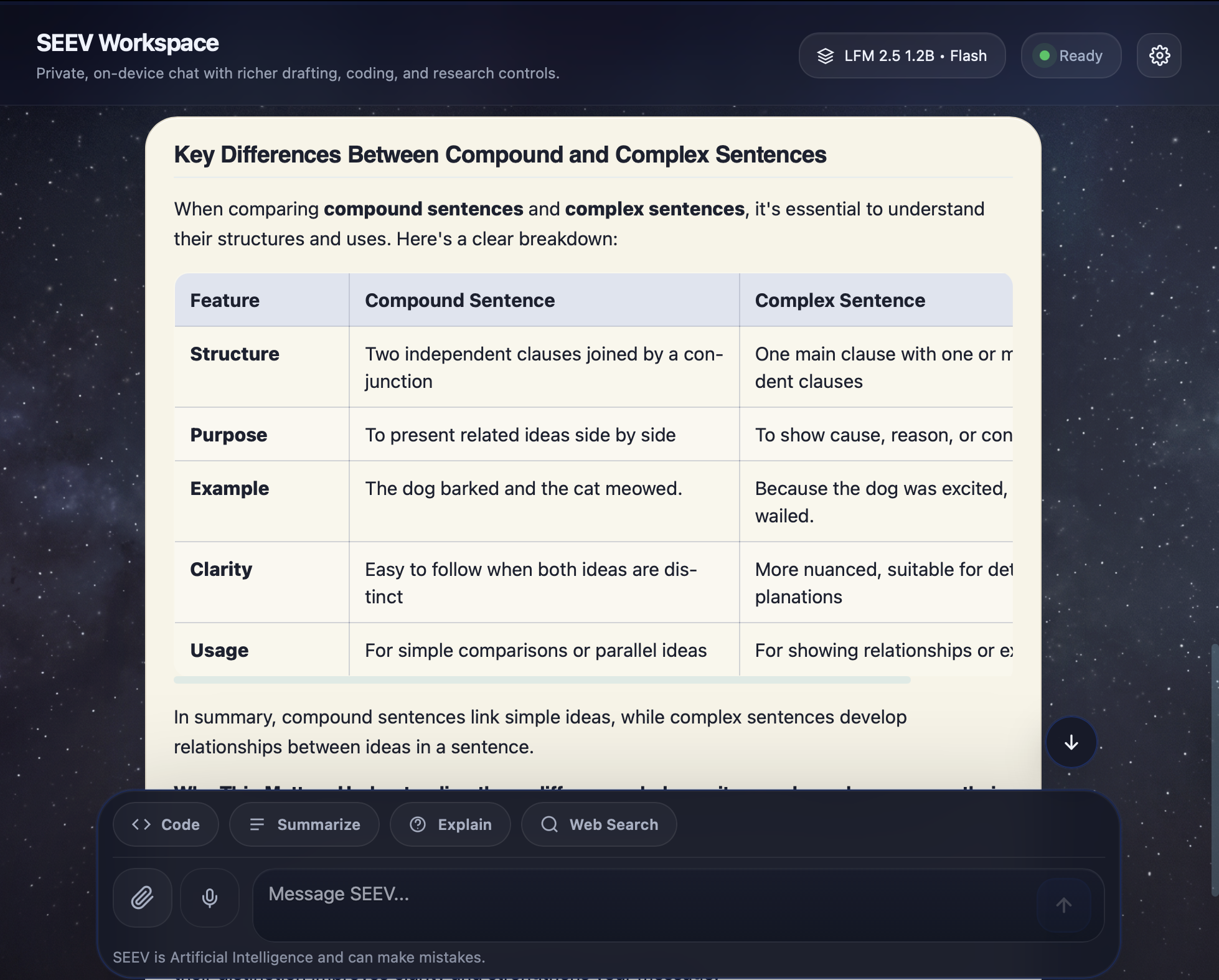
SEEV renders AI responses with a comprehensive markdown engine — syntax-highlighted code blocks, structured tables, numbered lists, headings, LaTeX mathematics, and inline formatting. Every response is presented with clarity and precision.

  • Syntax highlighting for 30+ programming languages
  • Styled data tables with consistent formatting
  • KaTeX-powered LaTeX math rendering
  • One-click copy on every code block
Table and markdown output

Editable Local Memory

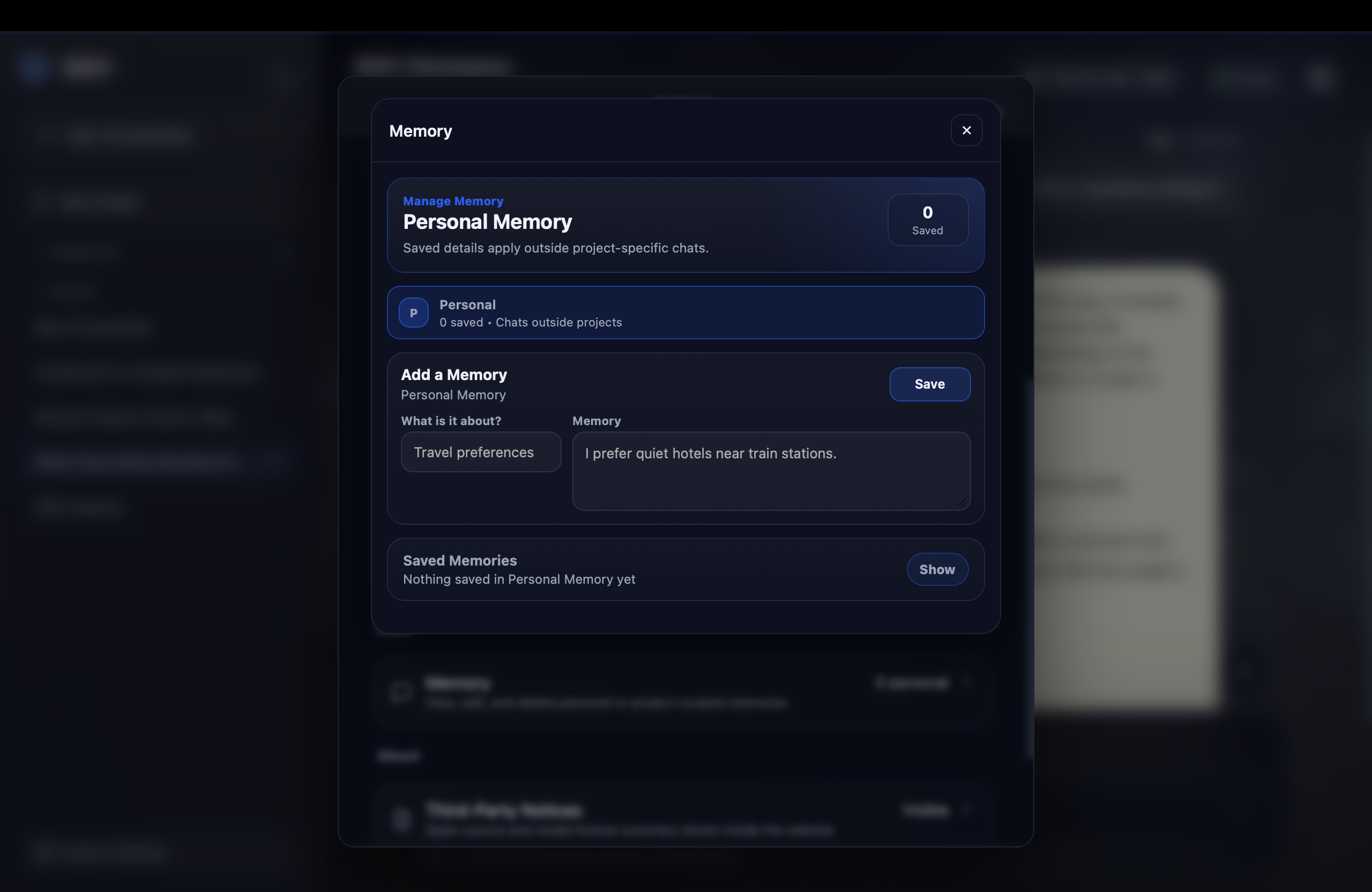
SEEV keeps memory local and user-editable. Personal memory, project memory, and uploaded document text can be reviewed, updated, or cleared from within the app instead of disappearing into a hidden cloud system.

  • Review, edit, or delete saved memory entries directly inside the app
  • Uploaded document text is stored locally and can be reused for later turns
  • Inline status badges show when SEEV updates memory during a conversation
  • Purge Local Data clears chats, memory, and saved document text from the device
Memory management interface

Control Center

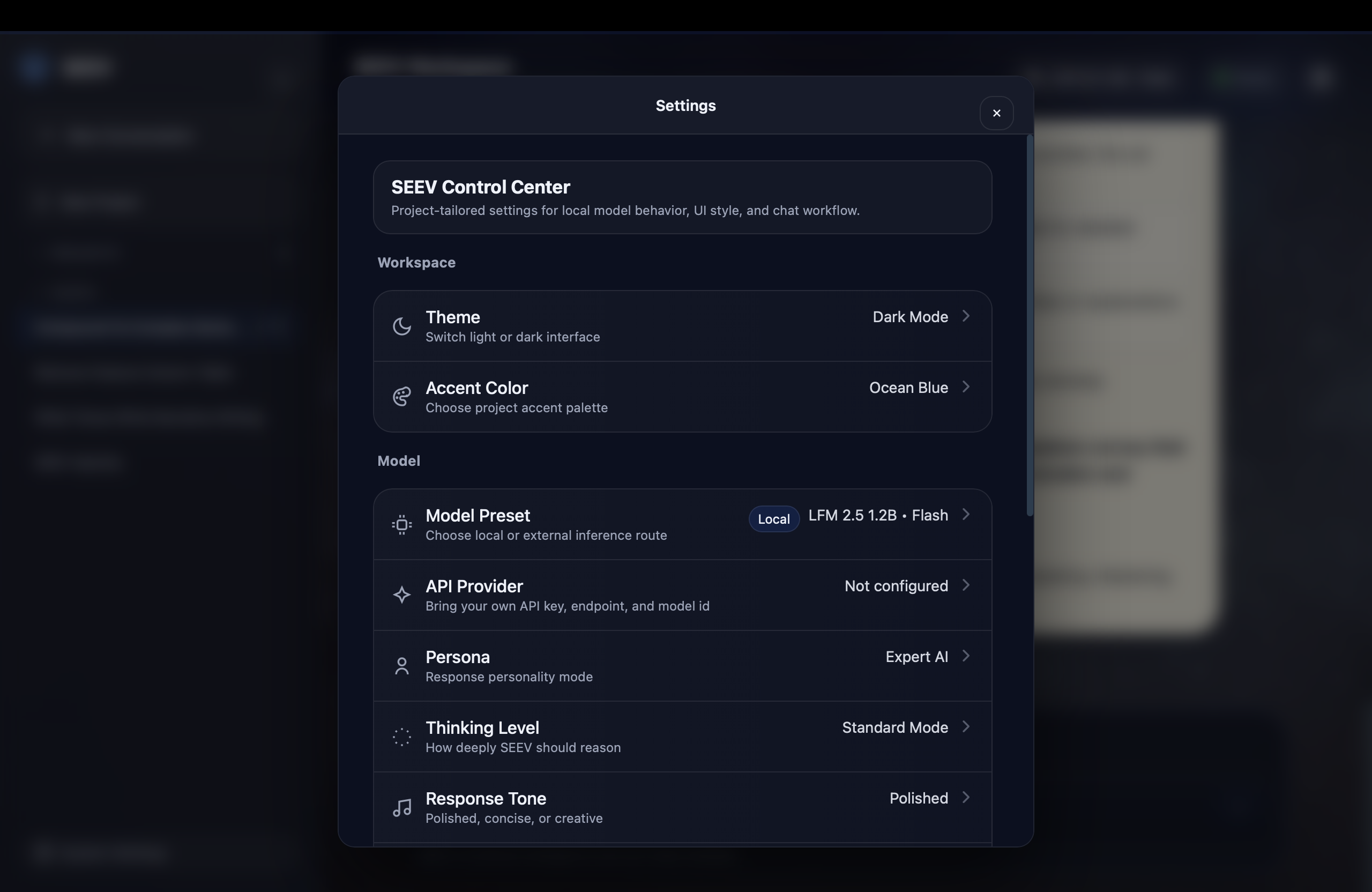
Full control over the local workspace. From bundled and optional model paths to custom personas, accent colors, answer formatting, and memory tools, SEEV adapts to your workflow without forcing cloud setup.

  • Theme — Dark mode only with smooth accent transitions
  • Accent Colors — Selectable accent color presets
  • Model Presets — bundled LFM 2.5 1.2B Flash, optional LFM2-VL-3B • Deep Reasoning, and Smart Hybrid • Routed
  • AI Persona — Custom system prompt for behavioral tuning
  • Generation Controls — Reasoning depth, response tone, creativity, output format, and strictness
  • External Provider — Optional API key for cloud models
SEEV Control Center

Workspace Anchoring

Stop starting isolated chats. Organize related conversations, uploaded files, memory, and alternate timelines inside one workspace.

Projects

Group related conversations into collapsible projects. Suitable for organizing research, coding, and study sessions.

Full History

All conversations are saved locally with full-text search. Locate and resume any previous conversation instantly.

Inline Editing

Rename chats and projects directly in the sidebar. No dialogs, no friction — just click and type.

Thread Branching

Edit a message from three days ago and spawn an alternate conversational timeline without losing the original.

Drag and Drop

Move conversations between projects by dragging. Intuitive drop zones make reorganization effortless.

Collapsible Sidebar

Toggle the sidebar to maximize the conversation area, or expand it for full project navigation.

Quick Actions

Quick-action cards on the empty state provide immediate access to common tasks — coding, writing, and research.

Local Context Tools

SEEV can reference saved memory, uploaded document text, and recent conversation history when generating responses. These local context tools help the app stay grounded without sending your workspace data to a remote backend.

  • Local context can include memory, document text, and recent chat history
  • Uploaded document text stays on-device and can be reused in later turns
  • Context enrichment improves continuity while staying under your control
SEEV knowledge and offline capability

All These Capabilities.
Zero Cloud Dependency.

Experience everything SEEV has to offer. Download now and begin using your private AI workspace immediately.

Download SEEV
Installation Instructions: After downloading the DMG, before opening the app, you must open Terminal and run sudo xattr -cr /Applications/SEEV.app. Enter your password when prompted to complete the authorization process and launch the application.